Remove People from Photos with AI
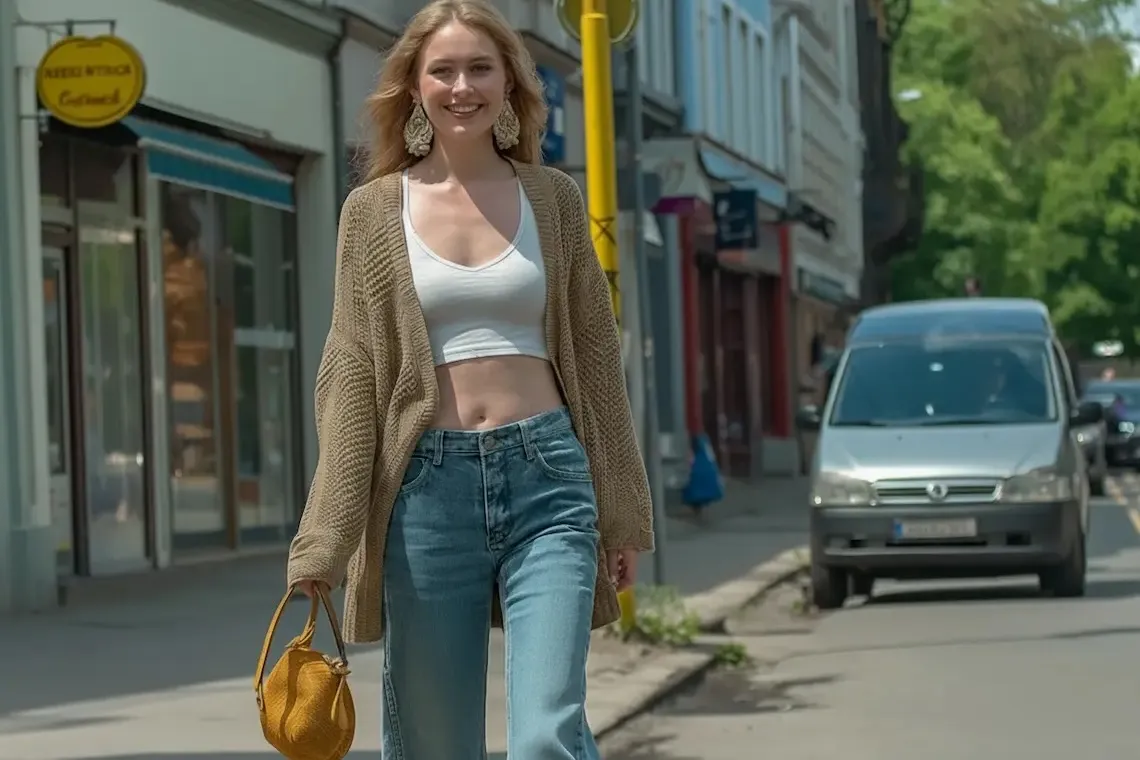
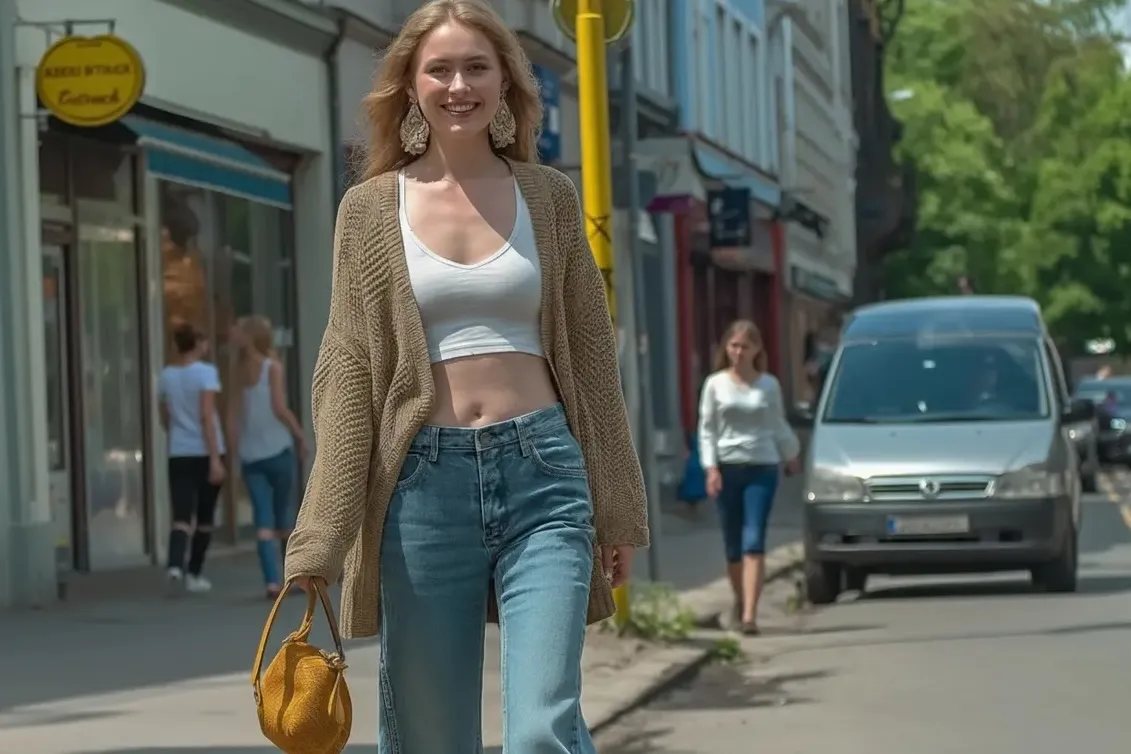
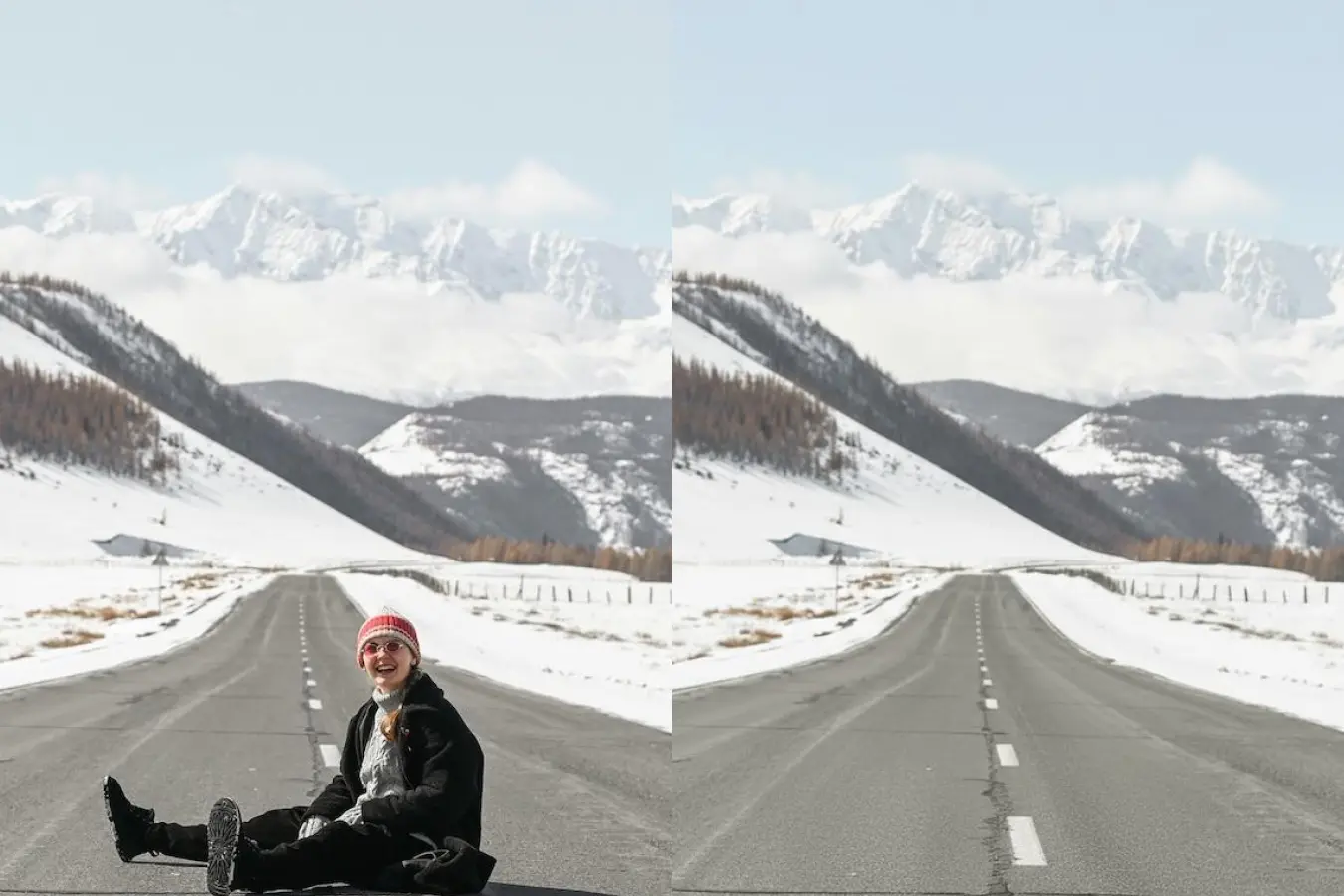
How to remove people from pictures with Magic Eraser
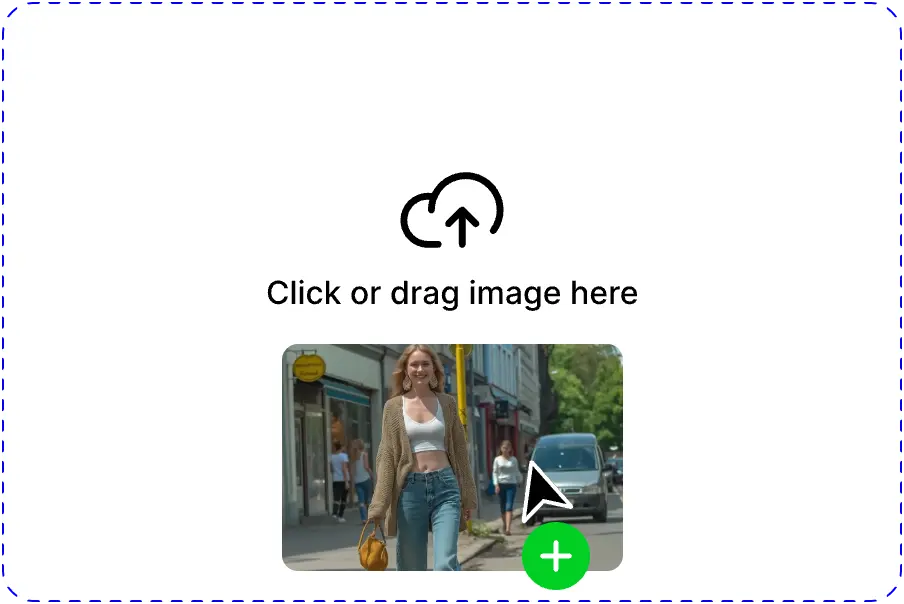
Upload your image
Start by dragging and dropping your picture directly into the magic eraser tool to instantly load the interface, or click to browse your files to begin transforming your shot into a distraction-free masterpiece.
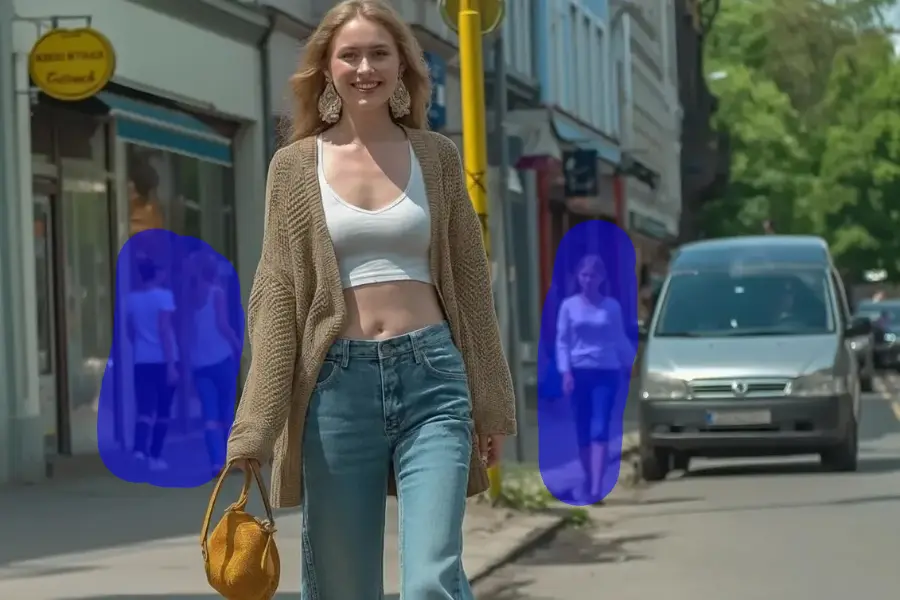
Brush over the person
Simply use the brush to paint over the photobomber, tourist, or unwanted individual, and watch as our advanced AI works to remove people from photos while seamlessly blending the background.
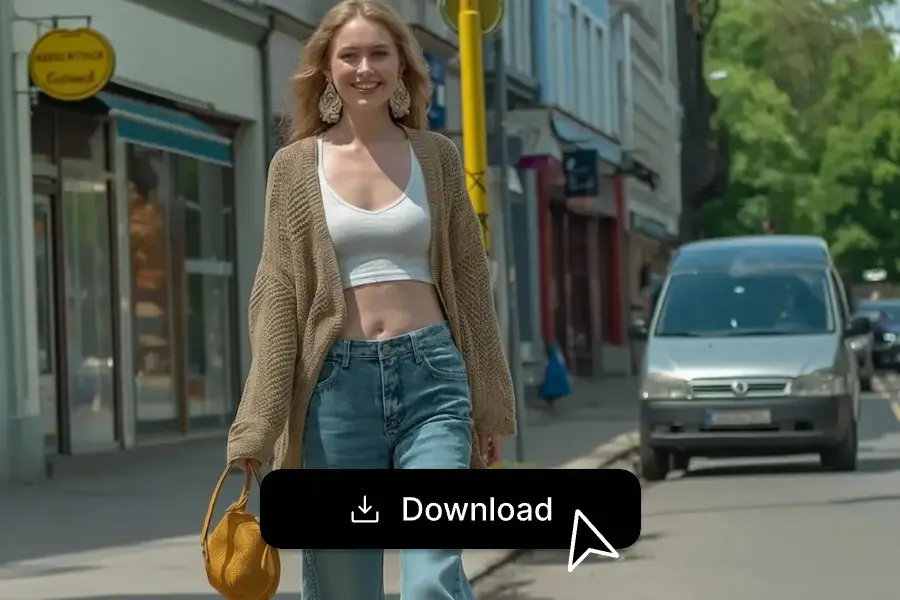
Download your clear photo
Once the person is gone and your image looks clean, save the high-quality result to your device and enjoy a perfect photo that focuses only on what matters.
Reclaim your perfect photo every time
We have all taken a photo we loved, only to notice later that someone in the background has distracted from the moment. It’s frustrating, and sometimes it feels like that perfect shot is ruined forever. With Editpal’s Remove People from Photos tool, you can get it back exactly the way you pictured it. Simply describe who you want removed, and our AI will work in seconds to restore your scene so naturally that no one will ever know they were there. No complicated steps, no editing skills needed—just your perfect moment, saved.
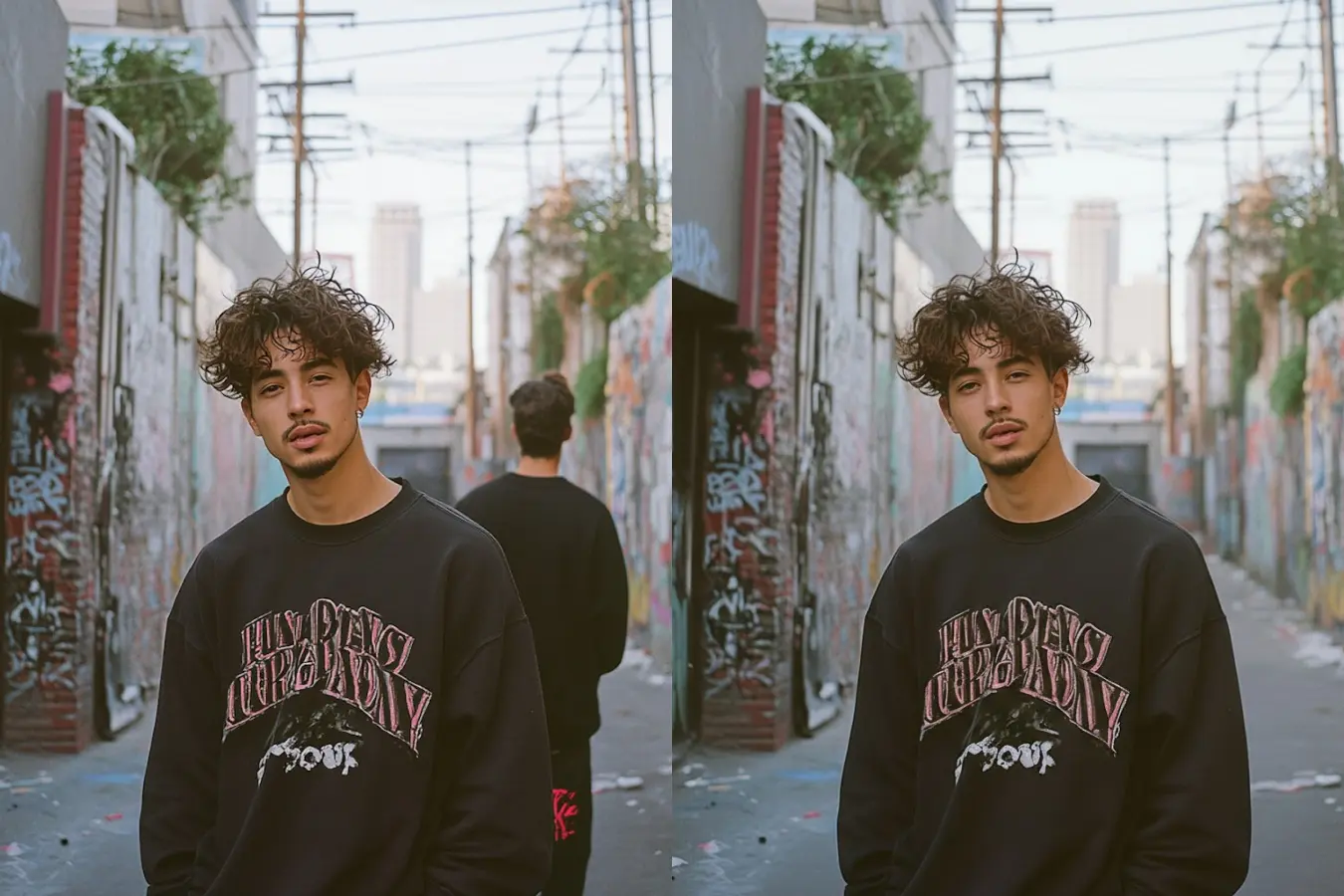
Preserve the beauty of your travel memories
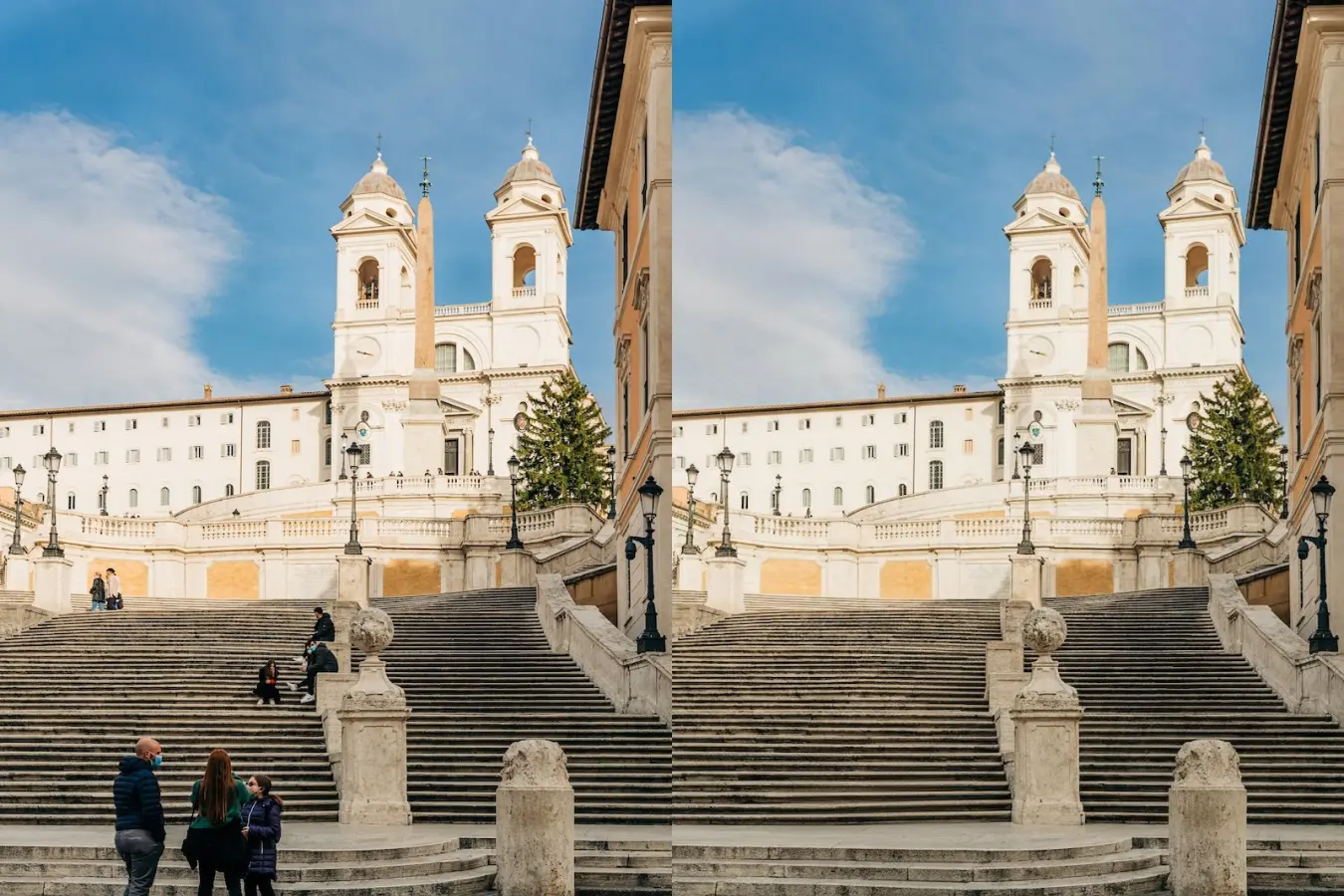
Your travel photos should remind you of the breathtaking places you visited—not the crowds of tourists who happened to be there. Whether you are standing before a famous landmark or watching a sunset on a quiet beach, Editpal helps you remove people from travel photos and reveal the view as you truly experienced it. Our smart AI blends the background seamlessly, preserving every texture, shadow, and color. The result feels untouched and authentic, leaving you with a memory as beautiful as the moment itself.
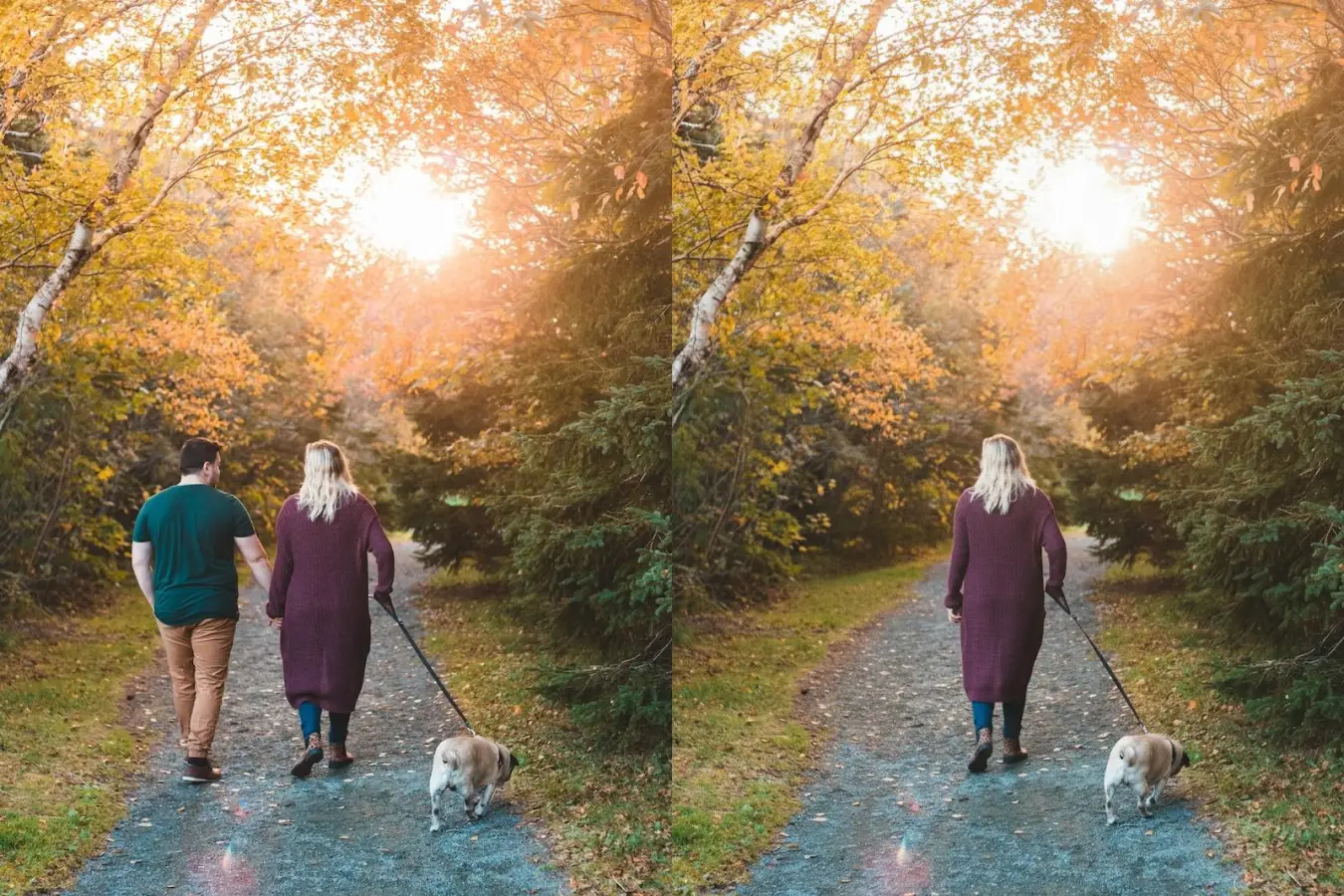
Keep the memories you love without the faces you do not
Some photos are precious because of the memory they hold, even if they also include someone you would rather not see anymore. Maybe it is an old group shot after a breakup, or a family gathering where not everyone wants to be shown publicly. With Editpal, you can remove someone from a photo without losing the joy of the rest of the image. This is about protecting your story, honoring the moments you care about, and making sure your photos reflect your life the way you want to share it.
Create natural results with AI you can trust
When you remove a person from a photo, you deserve more than just an empty space where they used to be. Editpal’s AI understands light, texture, and perspective to recreate the background perfectly. Whether you are cleaning up a product photo, polishing images for social media, or simply removing distractions, the results look professional and authentic on any device. And because we protect your privacy, your photos stay secure while looking like they were never edited at all.
How to remove people from pictures with AI Prompts
Upload your photo
Select the photo you want to edit in the Text Editing tool and upload it directly from your phone, camera, or computer—no special software or downloads needed.
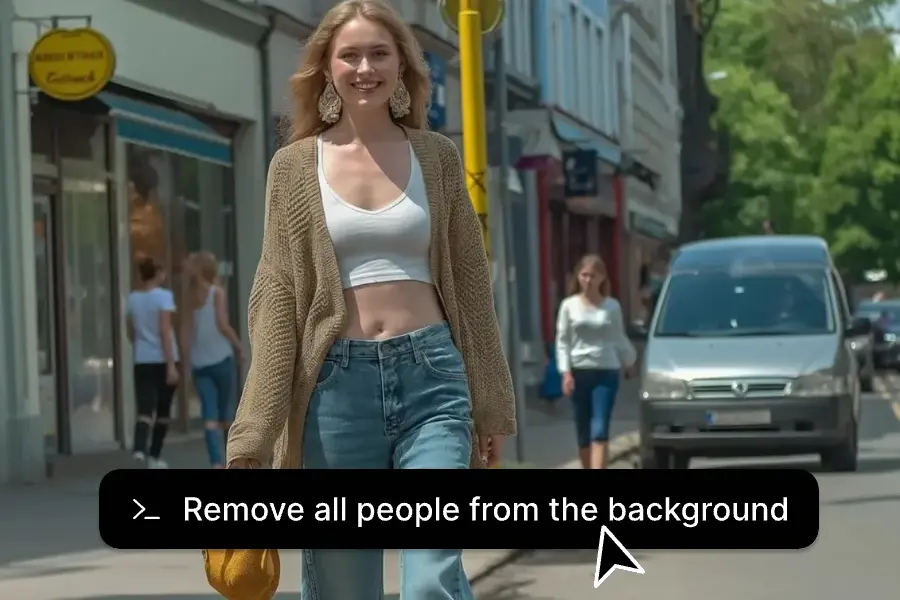
Describe the unwanted people
Type in who you’d like removed—whether it’s a random stranger, a tourist in the background, or a photobomber who slipped into your shot. Our advanced AI will understand and prepare to make your photo look just the way you want.
Download and share
Within seconds, your photo comes back natural, clean, and distraction-free. Download it instantly and share it anywhere with confidence.
Frequently asked questions
Sometimes a single unwanted face can completely change how a photo makes you feel. Maybe it’s a stranger who walked into your perfect travel shot, a photobomber ruining an otherwise perfect memory, or someone you no longer want in your personal or professional images. Removing a person from a photo lets you protect your memories, control your privacy, and keep only what truly matters in the frame.
With Editpal’s ‘Remove People from Photos’ tool, you have two easy options. You can use the Magic Eraser to simply brush over the specific individual, or type a text description to let the AI identify them automatically. Both methods instantly delete the person from the picture while seamlessly restoring the background, ensuring your group photo still looks natural.
Simply upload your photo and choose the method that fits your needs. You can manually paint over distractions with the Magic Eraser for precise control, or use a text prompt to automatically clean up the background. Our AI background person remover intelligently fills in the scenery, keeping your location looking pristine whether you are removing tourists or passersby.
Yes—you can clear the entire scene effortlessly. The fastest way is to use the text feature by typing 'remove all people' to let the AI do the work instantly, but you can also use the Magic Eraser to manually wipe away everyone. Whichever method you choose, you will get a clean, distraction-free photo in seconds.
Absolutely. If crowded tourist spots ruined your perfect travel pictures, Editpal can instantly remove tourists, strangers, or guides, restoring your photo to look like you had the whole place to yourself.
No—our AI is designed to blend the background perfectly after removing someone. It fills in the scene so naturally that no one would guess anyone was ever there, keeping lighting, colors, and details consistent.
In most cases, just seconds. Editpal’s AI works fast, so you can upload, remove, and download your updated photo almost instantly—without sacrificing quality.
Yes. While ‘Remove People from Photos’ focuses on removing people, Editpal also has tools for removing or replacing backgrounds. You can isolate a person and place them on a clean, distraction‑free backdrop whenever you want.
Editpal is built for exactly that. Unlike generic editors, our AI tool is designed to remove people from photos with precision and realism—no complex skills needed, no obvious edits, and results you can trust every time.
Remove people from any photo—No photoshop needed
Instantly clear away unwanted people, strangers in the background, or accidental photobombers. Each image transforms into a clean, distraction-free memory that feels true to the moment you lived.