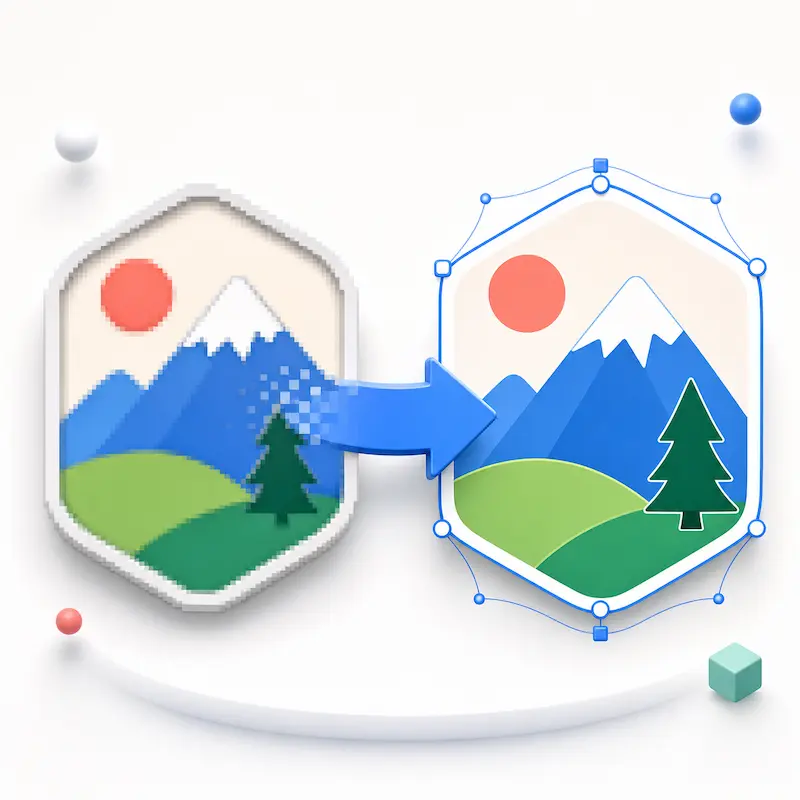
Image Vectorizer
Convert image to vector online with Editpal's Image Vectorizer. Upload a PNG, JPG, or WebP and turn it into a clean, scalable SVG you can use for logos, icons, illustrations, stickers, print artwork, and web graphics.
Convert image to SVG
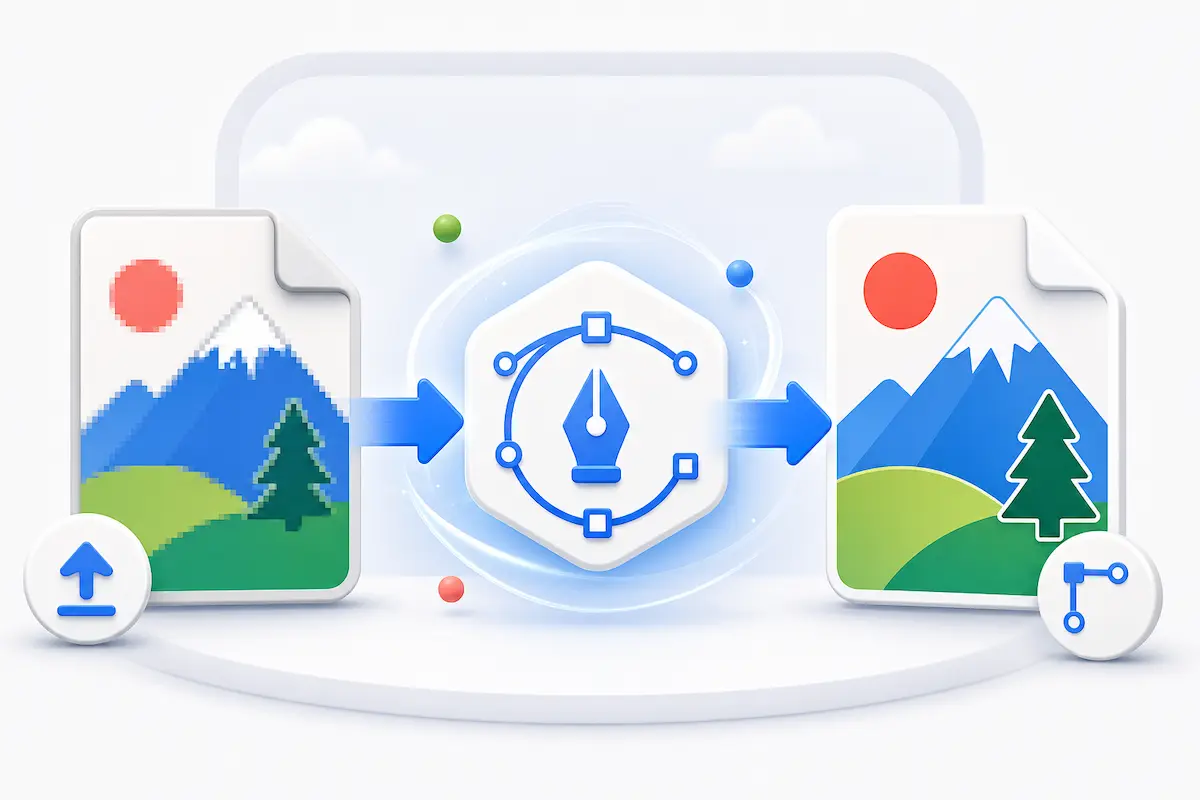
Raster images are built from pixels, so they can blur when you enlarge them. Editpal's image to SVG converter traces the shapes, edges, and colors in your upload and rebuilds them as vector artwork. The result is an SVG file that stays sharp at different sizes, whether you are preparing a website icon, a product label, or a design asset for a client.
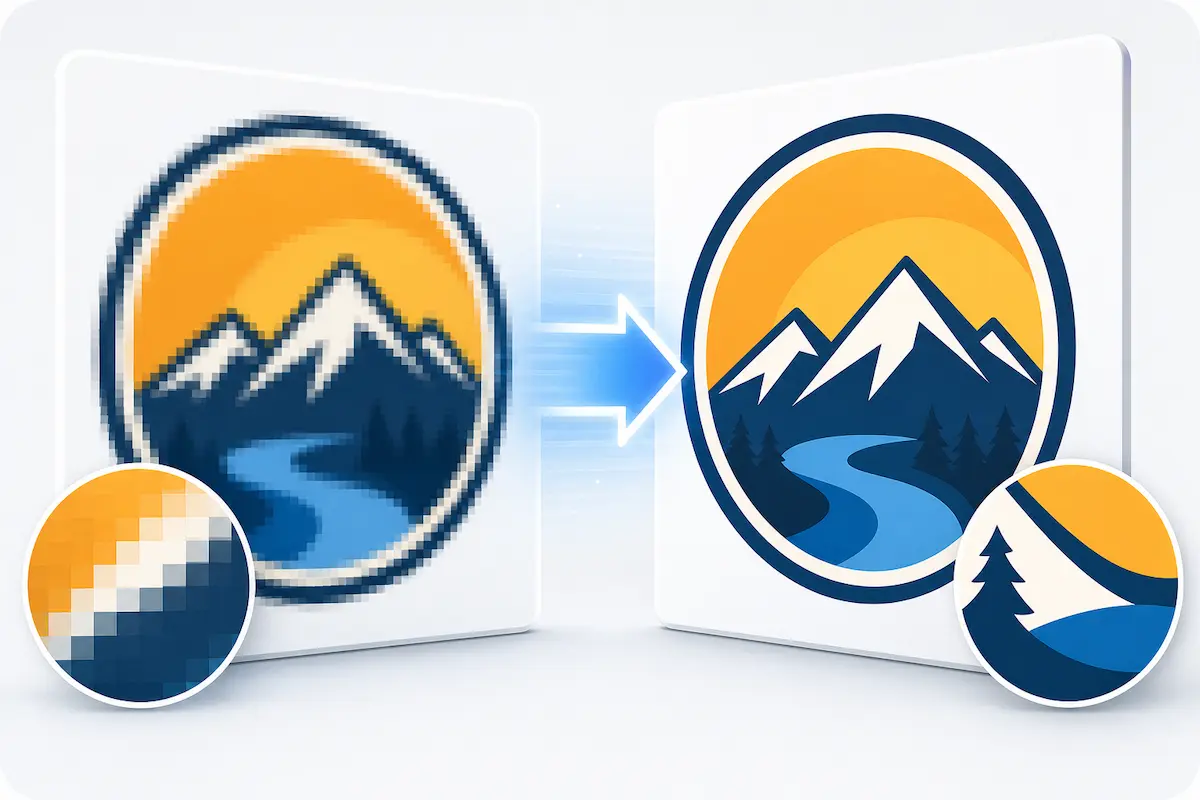
Create vector paths you can keep working with
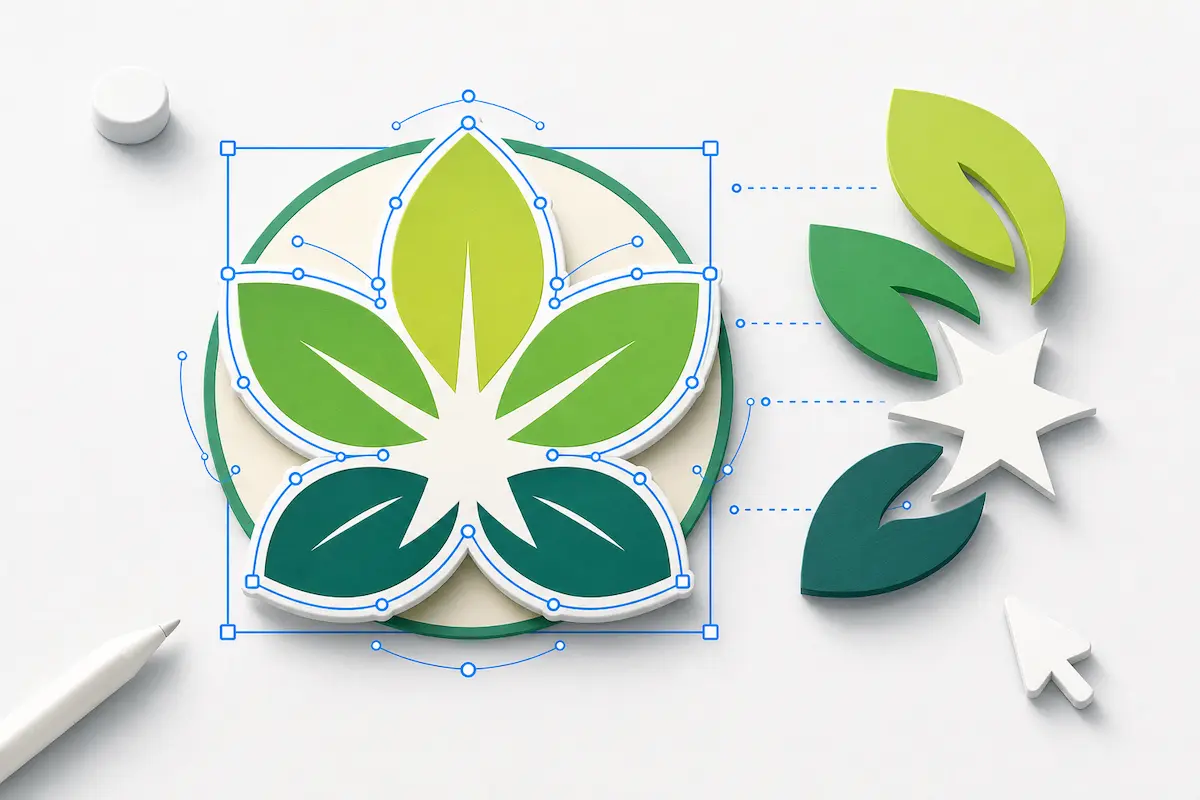
A useful vector file should be more than a raster image wrapped inside an SVG. Editpal helps you generate SVG artwork built from editable paths, so you can open the result in design tools, recolor shapes, resize artwork, and refine the file for the next step in your workflow. It is a faster starting point than redrawing a logo, icon, sketch, or simple illustration by hand.
Make cleaner assets for logos, icons, and line art
Image vectorization works best when the original has clear edges, strong contrast, and simple shapes. Use Editpal for logos, icons, sketches, stickers, AI-generated graphics, drawings, and line art that need a cleaner vector version. Instead of fighting jagged pixels, you get a scalable SVG foundation that is easier to polish for brand work, merch, presentations, or digital products.
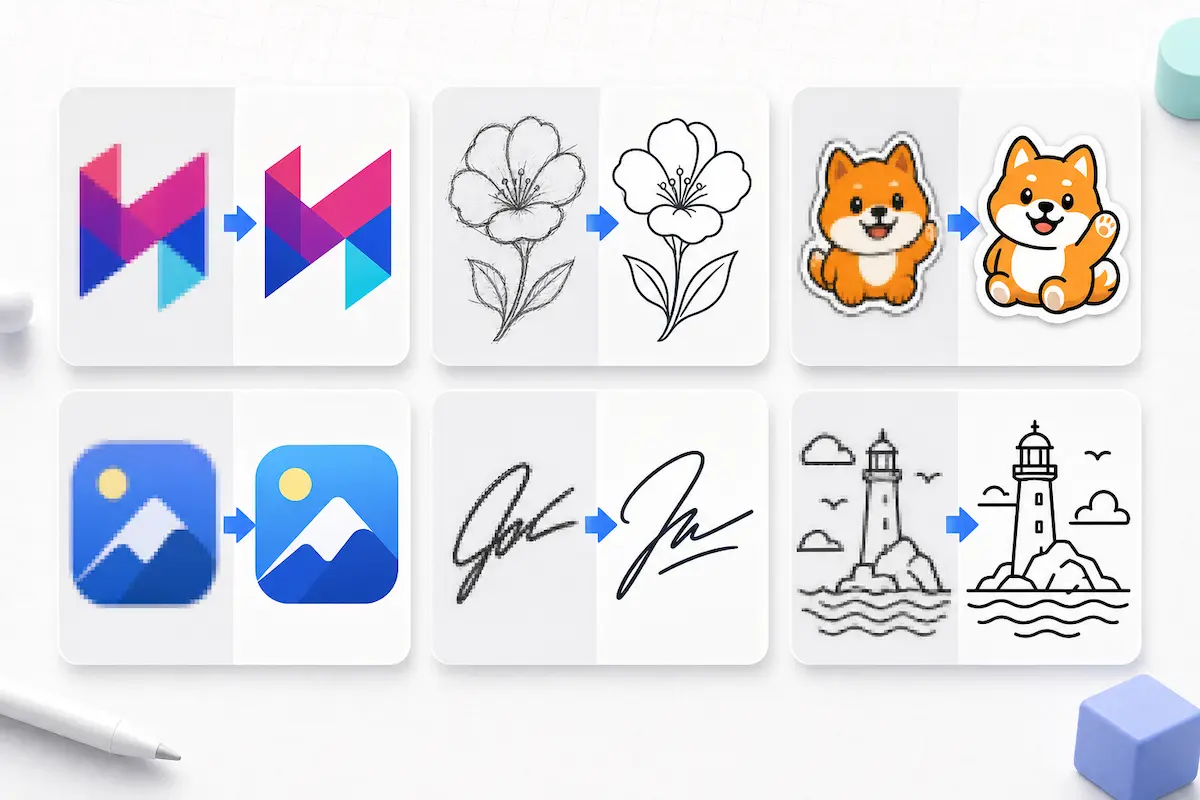
Prepare SVG files for design, web, and craft workflows
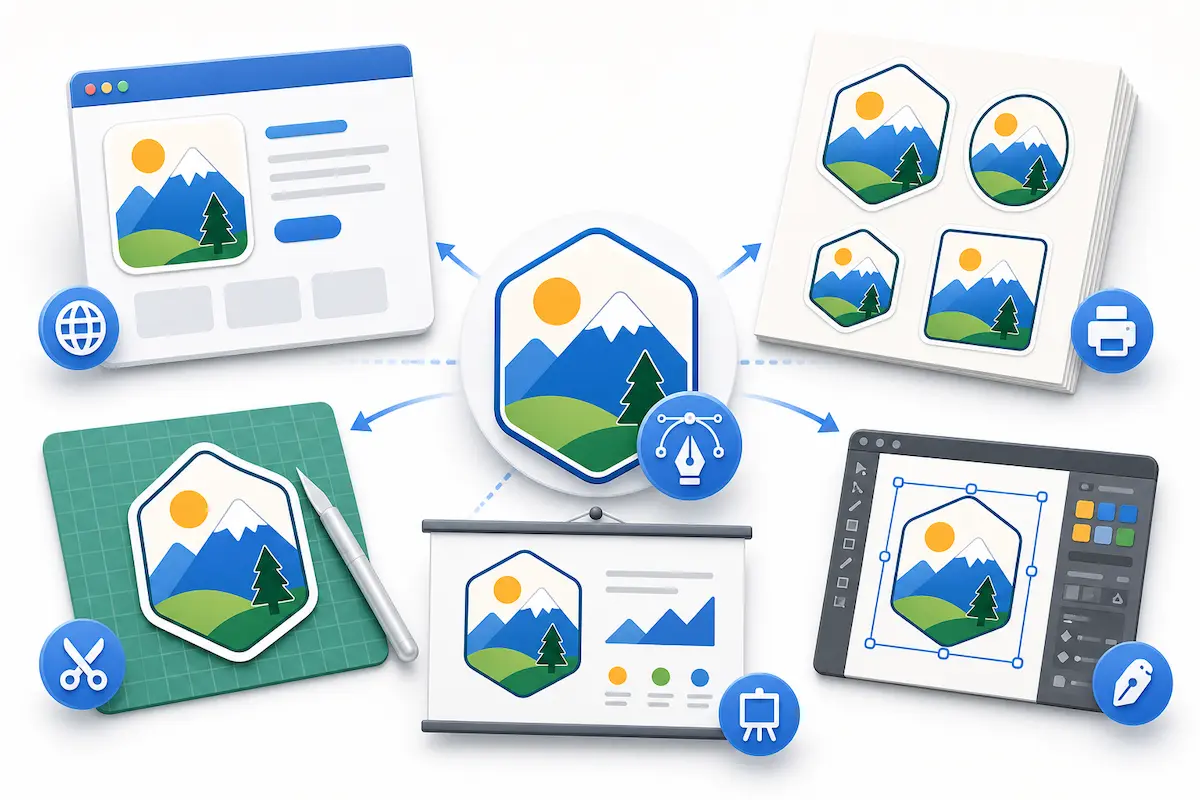
One vectorized image can travel across many projects. Use your SVG in Figma, Illustrator, Inkscape, Canva, website layouts, print mockups, sticker designs, Cricut projects, Silhouette projects, and other workflows that depend on scalable shapes. For cutting and craft files, cleaner source images usually produce cleaner paths, so start with high-contrast artwork whenever possible.
Get a practical vector result without a complex editor
Professional vector tools are powerful, but they can be slow when you only need a quick conversion. Editpal gives you a direct browser workflow: upload your image, generate an SVG, preview the vector result, and download it when it looks right. It is built for creators who want the value of image tracing without opening a full desktop design suite first.
How to Convert an Image to Vector
1
Upload your image
Choose the PNG, JPG, or WebP you want to vectorize. Logos, icons, sketches, stickers, illustrations, and clear line art usually produce the cleanest SVG results.
2
Generate the SVG vector
Editpal analyzes your raster image and converts visible shapes, edges, and colors into scalable vector graphics. You can preview the vectorized result before downloading.
3
Download and use your vector file
Save the SVG and bring it into your design, web, print, or craft workflow. Resize it for different layouts, refine it in a vector editor, or use it as a cleaner starting point for production artwork.
Frequently asked questions
An image vectorizer is a tool that converts a raster image, such as a PNG, JPG, or WebP, into vector artwork. Instead of storing the picture as pixels, the output uses scalable shapes and paths, usually in SVG format.
Upload your image to Editpal's Image Vectorizer, generate the vector result, review the preview, and download the SVG. The workflow runs in your browser, so you do not need to set up a desktop vector editing app just to start the conversion.
Editpal is designed for common web image formats such as PNG, JPG, JPEG, and WebP. For the best result, use a clear image with good contrast, sharp edges, and as little background noise as possible.
Yes. Editpal generates an SVG result from your image, so the file can scale cleanly and can be opened in vector-friendly tools. As with any automatic image tracing, complex artwork may still need cleanup if you need production-perfect paths.
Logos, icons, simple illustrations, sketches, stickers, signatures, line art, and high-contrast graphics usually vectorize best. Detailed photos can be converted too, but they often become stylized vector artwork rather than an exact editable copy of the original photo.
Yes. SVG is a widely supported vector format, so you can bring the downloaded file into common design tools for resizing, editing, recoloring, or layout work.
Photos contain gradients, shadows, texture, and tiny color changes. Vectorization has to translate those pixels into shapes, so the result may look more graphic or posterized. Clean logos and illustrations usually preserve their structure better than complex photographs.
Use a high-resolution source image, remove busy backgrounds when possible, choose artwork with clear edges, and avoid heavy compression noise. If the result has too many small shapes, simplify or refine it in a vector editor after downloading.
Turn your image into a scalable SVG
Upload your raster image and use Editpal's Image Vectorizer to create a clean SVG for design, web, print, and craft projects.